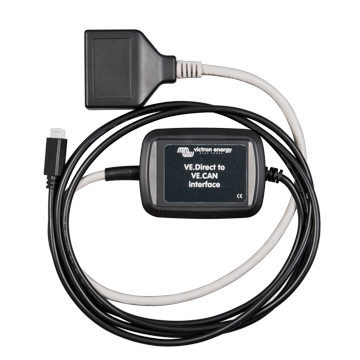
VE.Direct to VE.CAN interface
The VE.Direct to VE.CAN interface connects products with a VE.Direct connection to products with a VE.Can connection, so the products can communicate with each other.
VE.Direct to VE.CAN interface Read More »

The VE.Direct to VE.CAN interface connects products with a VE.Direct connection to products with a VE.Can connection, so the products can communicate with each other.
VE.Direct to VE.CAN interface Read More »
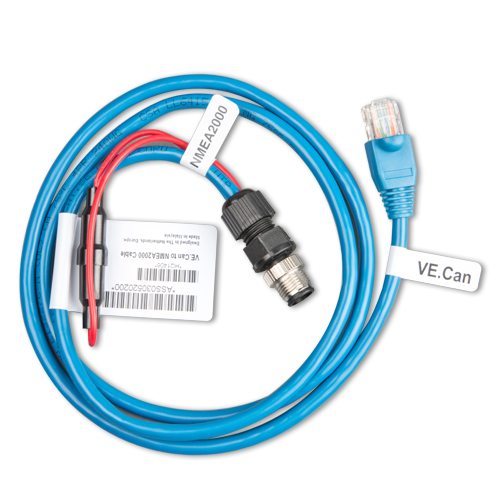
Use this cable to connect a Victron product with a VE.Can port to a NMEA 2000 network. More information in the NMEA 2000 & MFD integration guide.
VE.CAN to NMEA2000 micro-C male Read More »
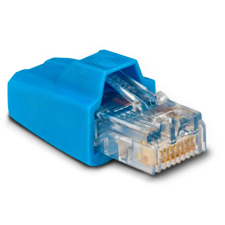
The VE.Can RJ45 terminator comes in a bag of two when ordered separately. The terminators are also included with some products, for example with the CANUSB.
VE.Can RJ45 terminator Read More »
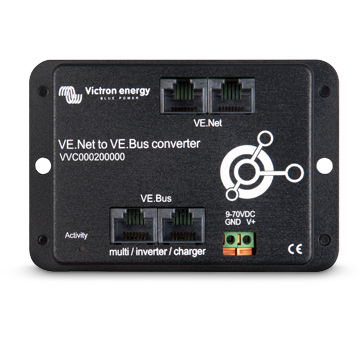
With the VE.Net to VE.Bus converter it is possible to combine the powerful control of the VE.Configure software and the interface of the VE.Net panel. You can configure advanced settings and read out the status information of the VE.Bus product from a VE.Net Panel.
VE.Net to VE.Bus converter Read More »
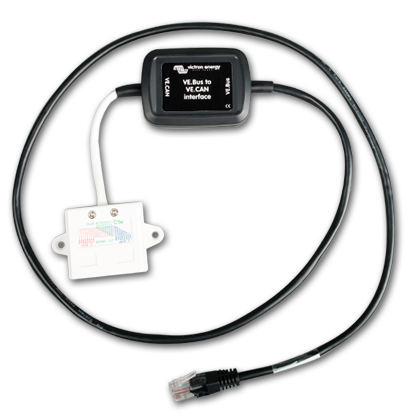
This interface is used in Hub-1 systems with grid-feedback enabled. It interfaces between the VE.Bus system and one or more MPPT solar chargers with a VE.Can connection: the MPPT 150/70 and/or MPPT 150/85.
VE.Bus to VE.CAN interface Read More »
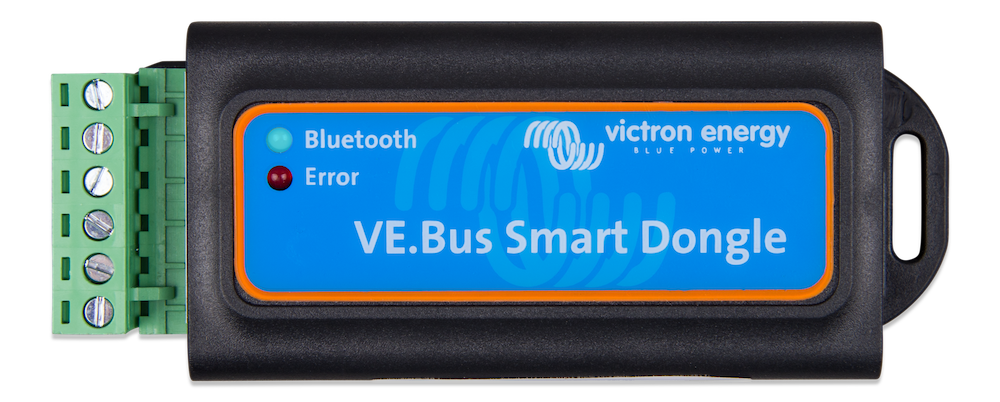
The VE.Bus Smart dongle is two products in one: First of all it is the bluetooth accessory for our range of inverter/chargers: Multis, MultiPlusses, MultiPlus-II, MultiGrid, MultiGrid-II, Quattros, and our series of Phoenix Inverters with a VE.Bus port. When installed, use the VictronConnect app to monitor operation and also operate the system: change the input
VE.Bus Smart Dongle Read More »
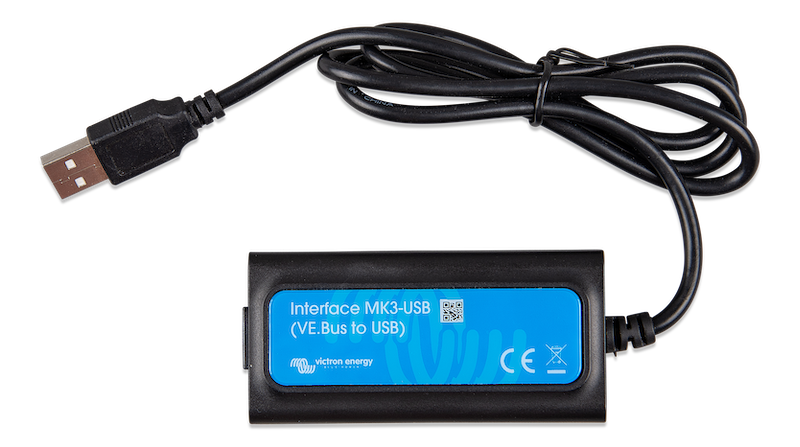
The MK3-USB allows the following products to connect to a computer for configuration and firmware updates: Multi, MultiGrid, MultiPlus, MultiPlus-II, Quattro, VE.Bus BMS V2, Inverter/Charger settings in ECOmulti, EasySolar, EasyPlus, and Inverters with a VE.Bus communication port. VE-Configure software and a RJ45 UTP cable required. VictronConnect configuration guide for VE.Bus products (HTML5)
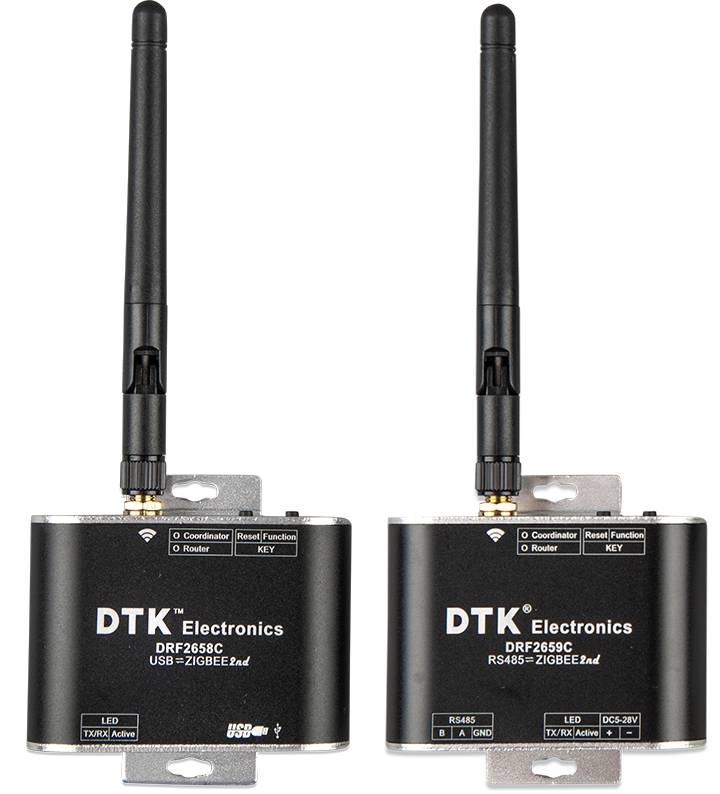
This pair of Zigbee converters is to wirelessly connect an Energy Meter to a GX Device. Zigbee-to-RS485-converter-DRF2659C Zigbee-to-USB-converter-DRF2658C
Zigbee to USB converter & Zigbee to RS485 Read More »
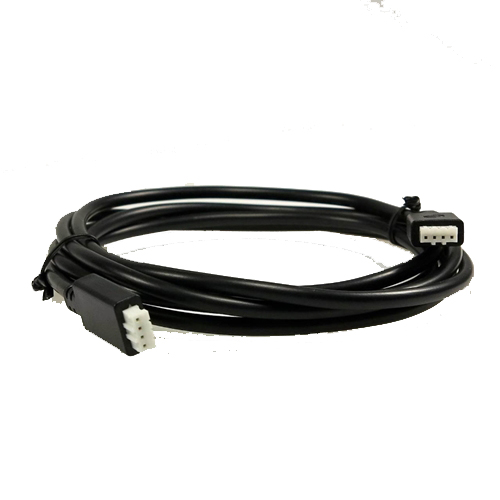
Used to connect remote displays and data communication to VE.Direct equipped products. There are both straight and 90 degree angle models.